Guides
Using the club wallet on your phone through the Playtomic app
The club wallet lets you use prepaid credit for Mailamestari court bookings. Any remaining balance stays with you for your next session.
Top up step by step
-
Open the Playtomic app.
-
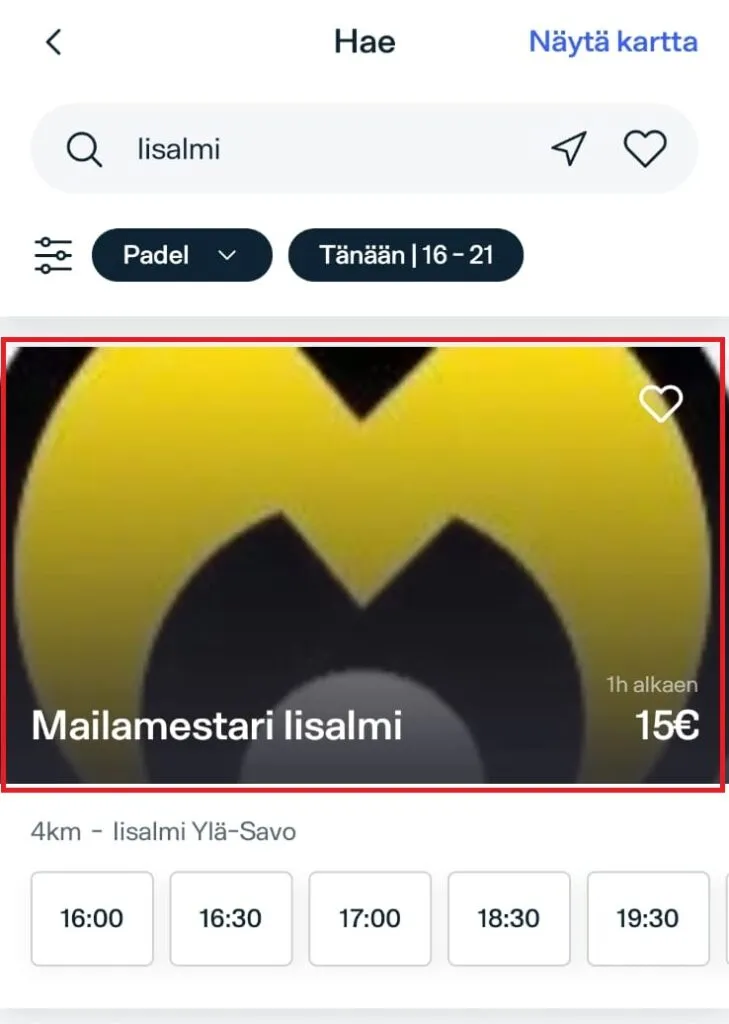
Find Mailamestari Iisalmi by selecting:
- My clubs on the home screen.
- Scroll to the bottom of the page and select Mailamestari Iisalmi.
-
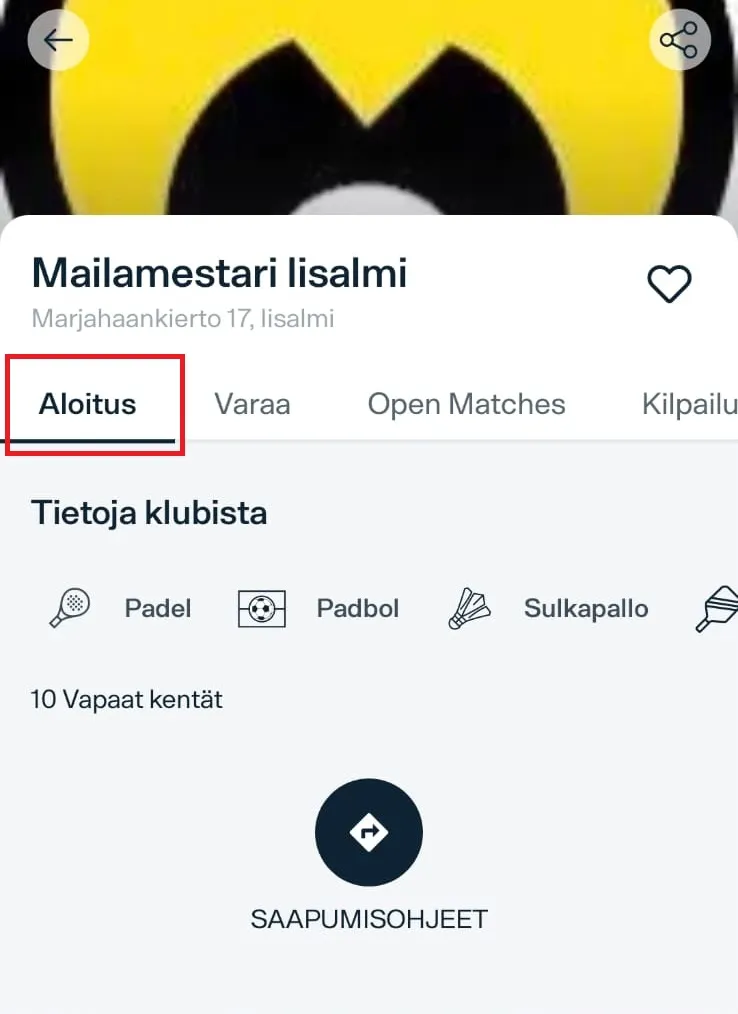
Select the Home button.
-
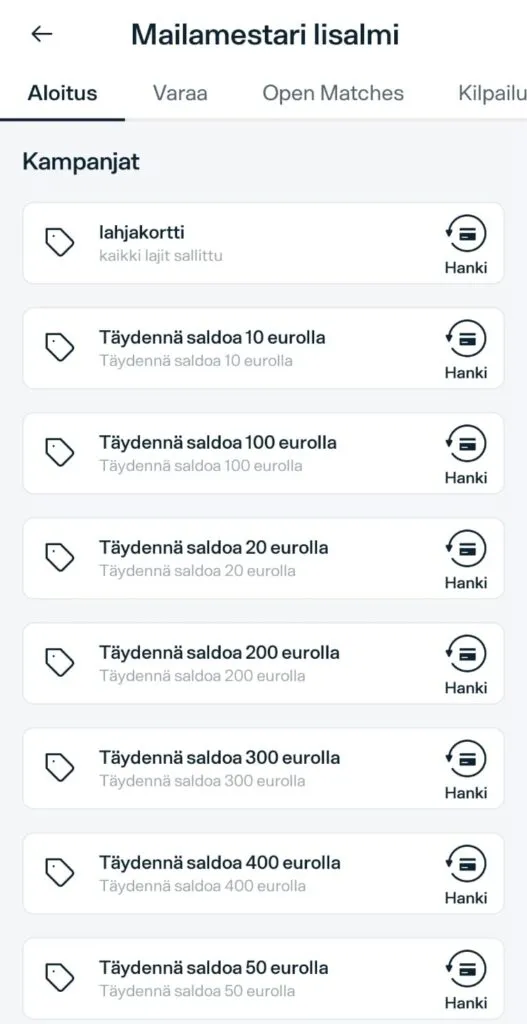
Scroll down and select the amount you would like to add to your club wallet.
-
Pay by debit or credit card.
Your credit can be used for Mailamestari bookings without a service fee.
Need help?
If you cannot find the top-up option or need help getting started, contact Mailamestari customer service.